• New
1 m cable from the TC22R RFID terminal to a PC | SBE Direct

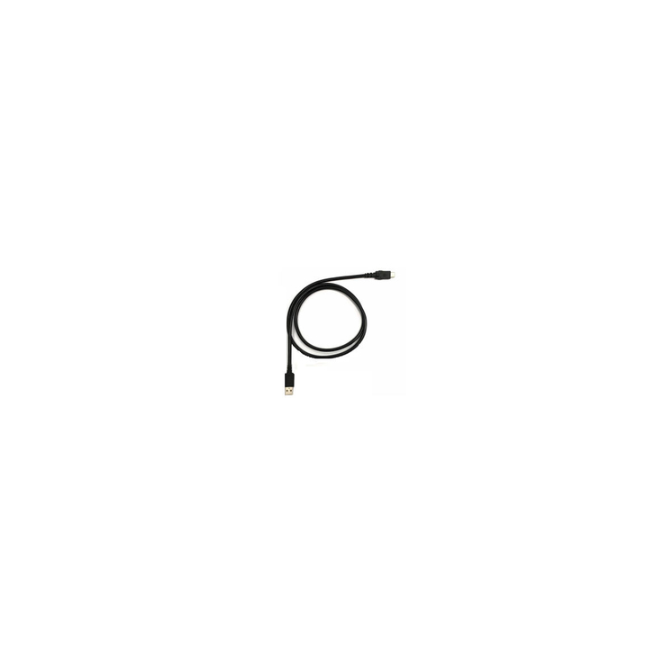
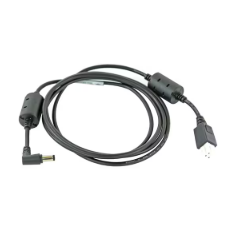
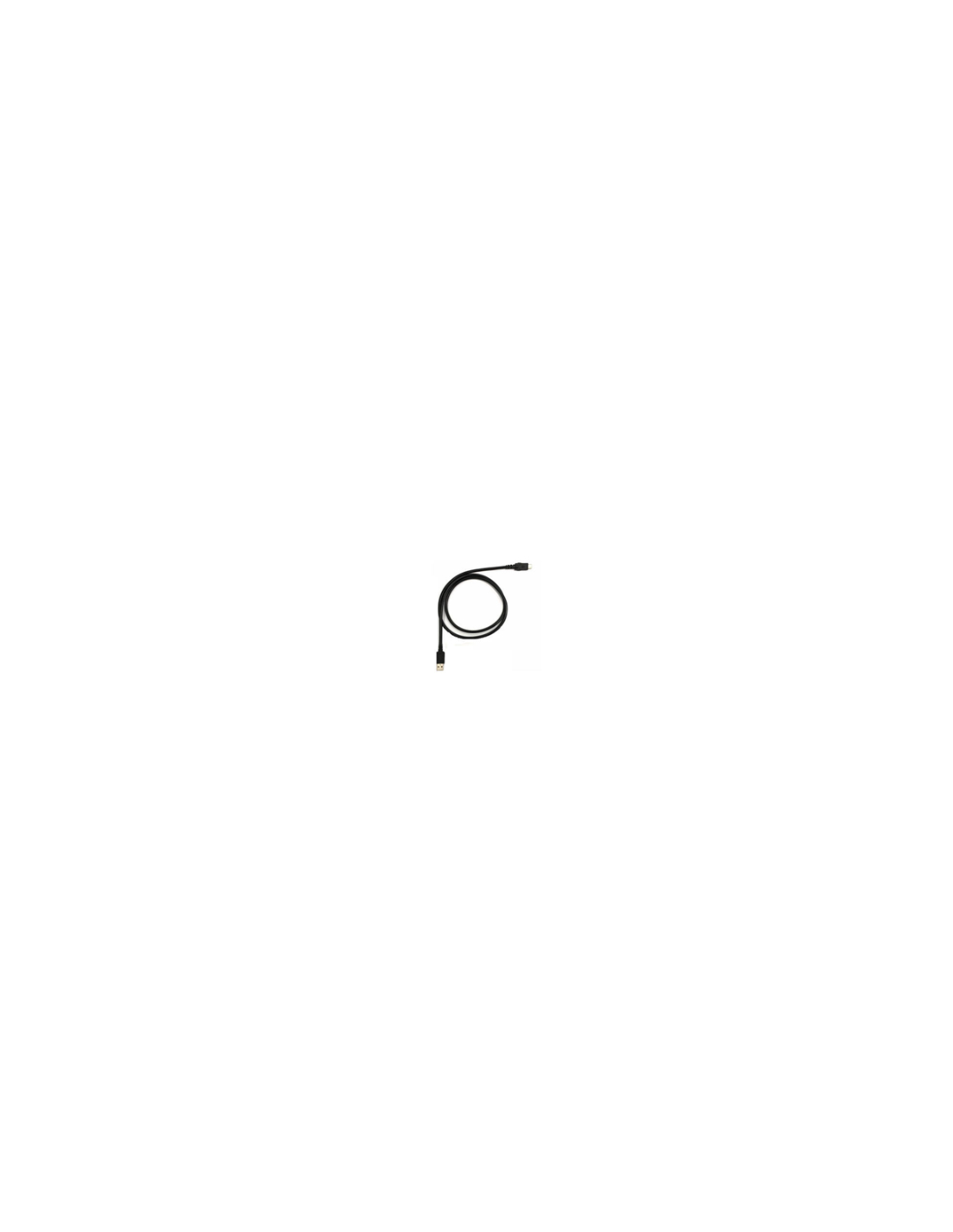
USB-A to USB-C cable for charging and syncing the Zebra TC22R

(?)
The cable
  • Universal USB-A end
  • Charges and transfers data
  • One metre long
  • Made for the Zebra TC22R
  • 1-year warranty
Quantity (The cable)
Total : €11.74 excl. VAT

Product available for orders
 

The USB-A to USB-C cable for the Zebra TC22R links the terminal to a computer or a USB power source already in place. Its USB-A end fits the ports any workstation already has, without requiring recent connectivity on the machine side. It handles both charging and data communication, which makes it the accessory for configuration, syncing and maintenance work.

A cable that plugs into what you already have

What sets it apart is the connector on the machine side, not on the terminal side.

  • →USB-A end: it fits the ports on computers and chargers already installed, including older ones.
  • →USB-C end: on the terminal side, it matches the Zebra TC22R connector.
  • →Two functions: terminal charging and data communication over the same cable.
  • →One metre: a workstation's length, enough to reach a desktop machine without slack.
  • →Compact and portable: it slips into a bag or a desk drawer without taking up room.
  • →Sold singly: one reference per post equipped, covered by a 1-year warranty.

From the TC22R terminal to the workstation

A Zebra TC22R RFID terminal does not live only in the field. It passes through a workstation regularly: to take a configuration, upload scans, apply an update or be prepared before going to an operator.

This cable is the link for those moments. Plugged into a standard USB-A port, it opens communication between terminal and machine without assuming the workstation has recent connectivity. Across a mixed IT estate, that backward compatibility saves you discovering at the last minute that the office PC lacks the right port.

Teams preparing their RFID inventory sessions from a fixed post get the simplest possible link.

USB-A to USB-C 1 m cable for the Zebra TC22R terminal on a workstation

Configuration, maintenance, fallback: three jobs for one cable

The first job is setup. A new or reassigned terminal is prepared from a computer, and that runs over a wired link.

The second is routine maintenance: application updates, log retrieval, checking odd behaviour. These are occasional interventions that always land at the wrong moment, and having the cable to hand avoids postponing them.

The third is power fallback. When a cradle is busy or out of service, this cable charges the terminal from any USB port. At 11.74 euros it is the cheapest backup a stock management operation can hold.

Three cables in the catalogue, three connector pairings

The choice comes down to what you have at each end of the cable.

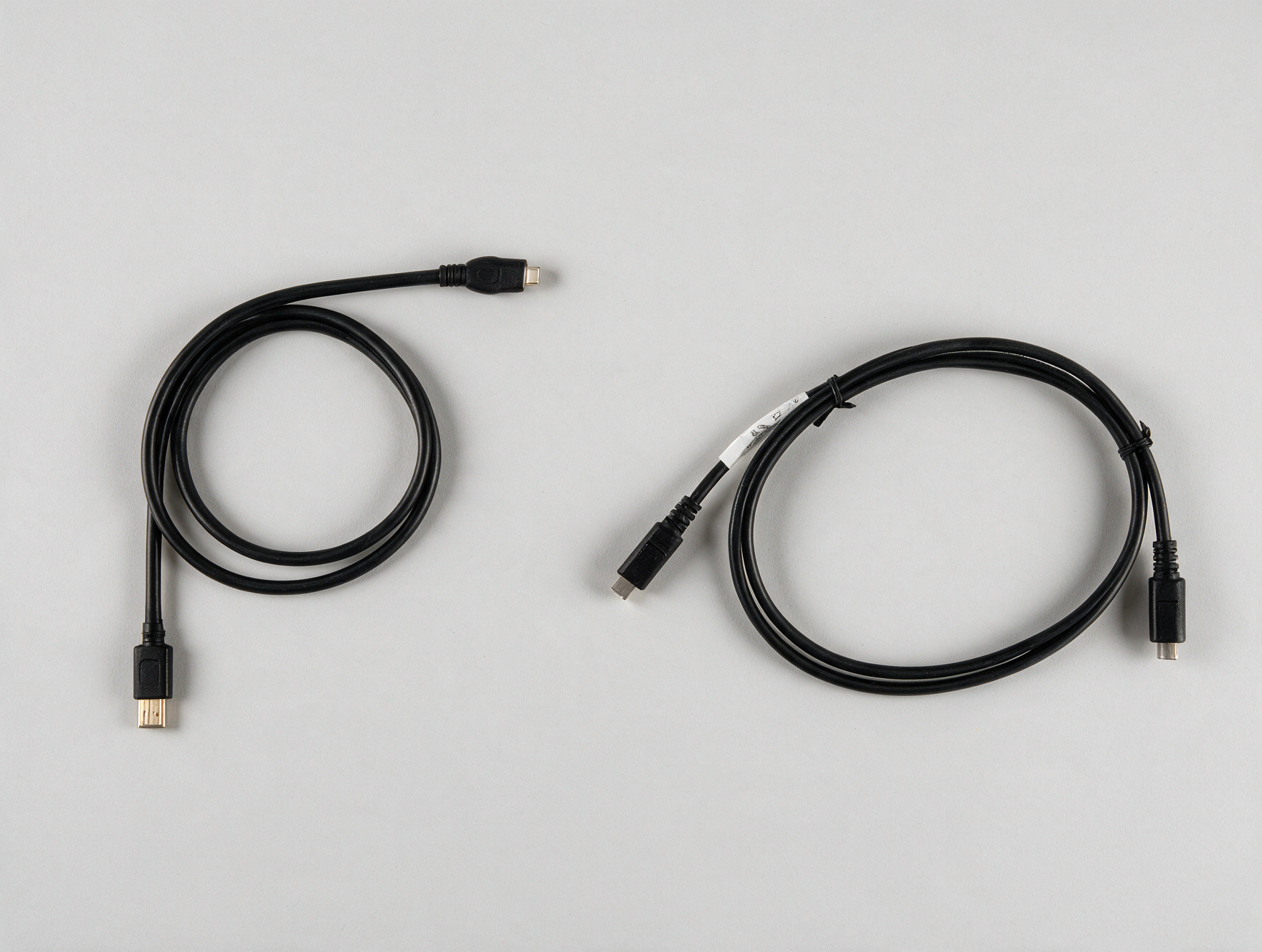
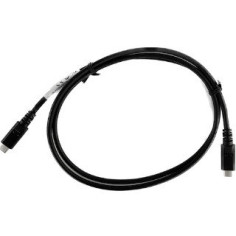
USB-A to USB-C and USB-C to USB-C cables side by side
Computer or power sideTerminal sideThe reference
USB-AUSB-C on the Zebra TC22RThis cable
USB-CUSB-C on Zebra TC22 and TC27The USB-C to USB-C cable
USB-C with brick and plug adaptersUSB-C on the Honeywell ScanPal EDA52The ScanPal EDA52 cable

The other two references are here: USB-C to USB-C cable for TC22 / TC27 and ScanPal EDA52 cable. The wider range sits under RFID accessories.

Where to keep a cable across a TC22R fleet

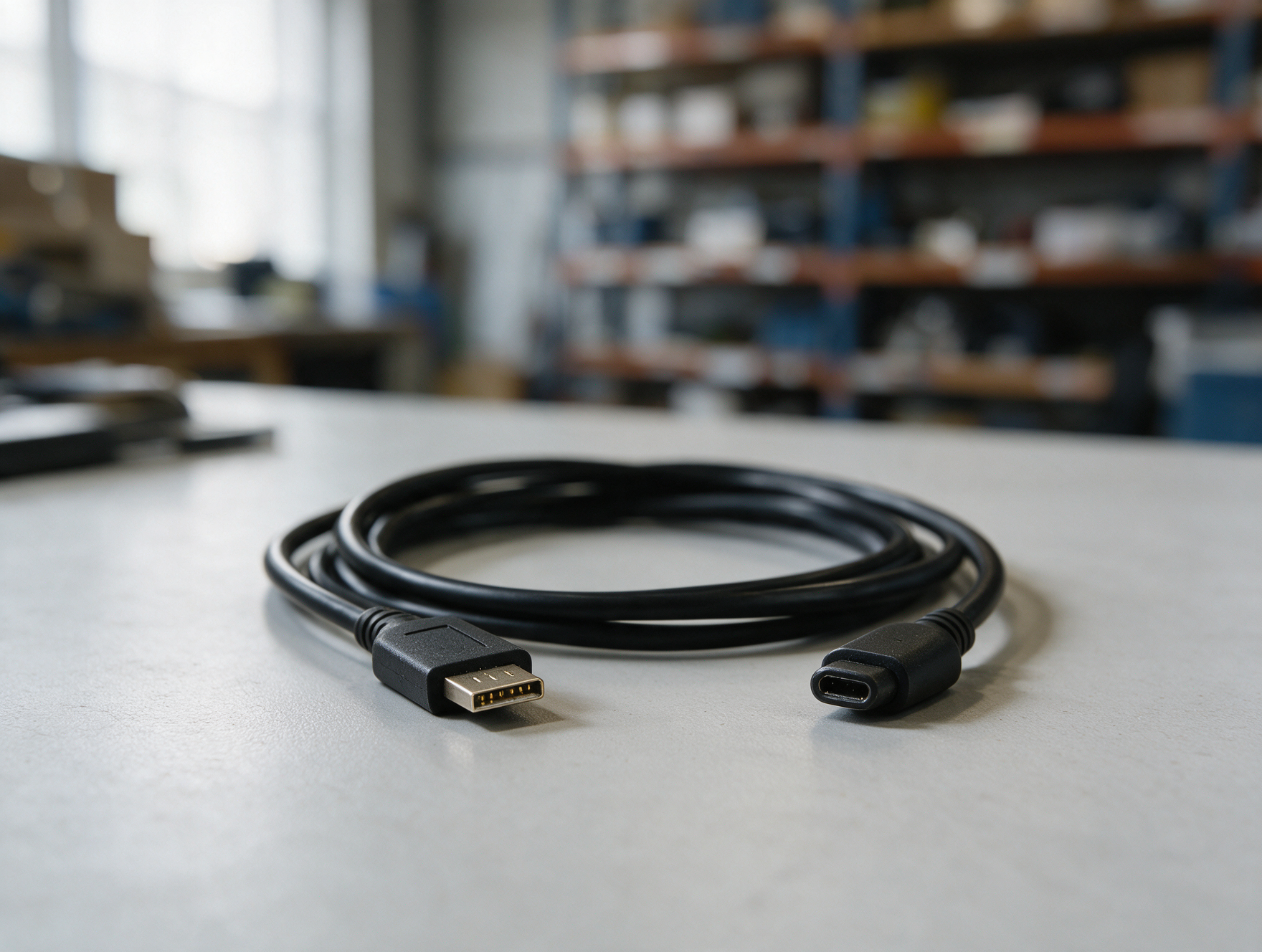
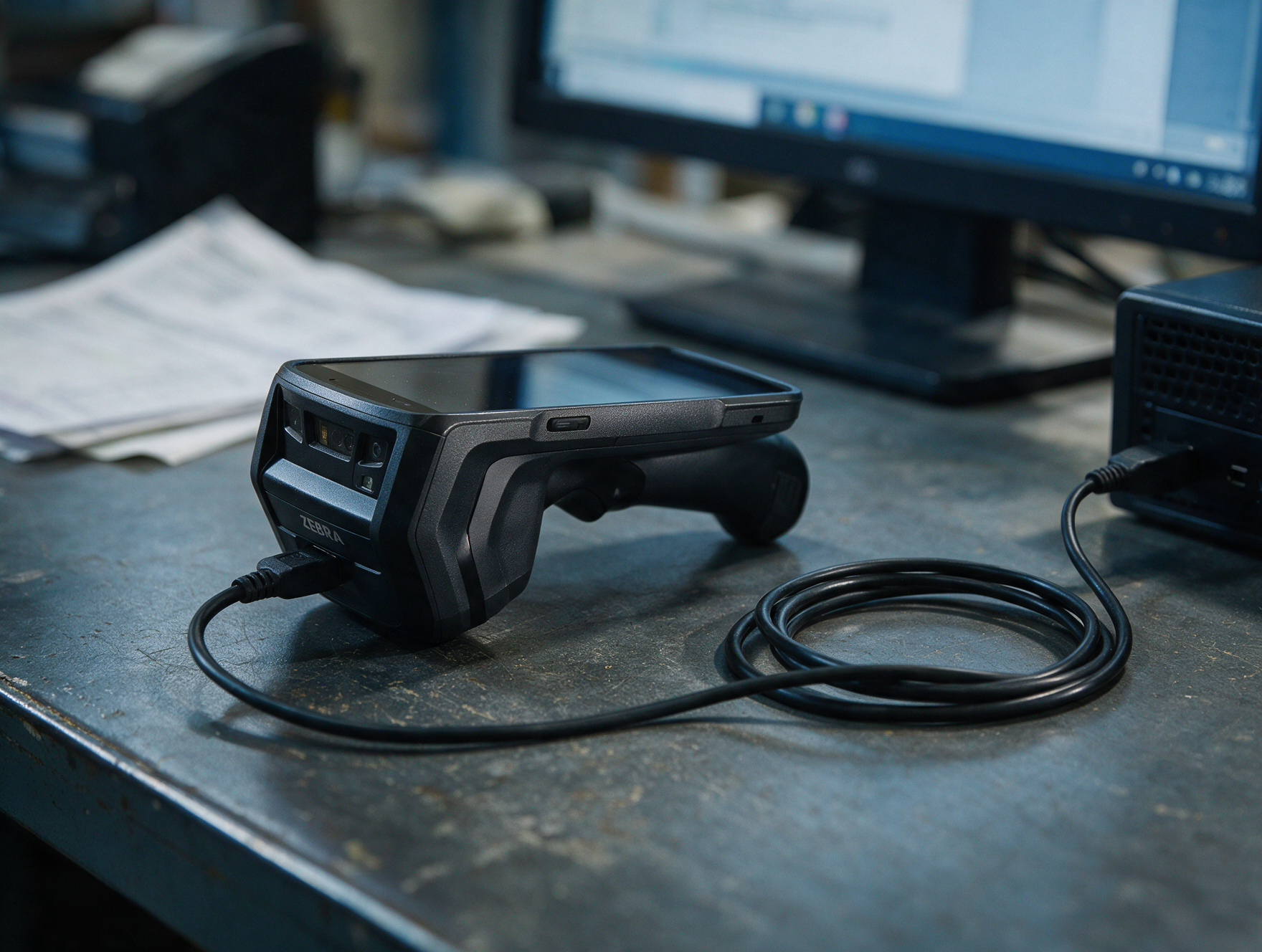
USB-A to USB-C cable connected to a Zebra TC22R terminal at a control post

One cable per post where a terminal comes back, plus one or two in reserve. At this price a stockout always costs more than the stock, and a terminal that can be neither configured nor charged holds up a whole operation.

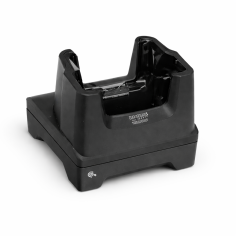
The cable does not replace a fixed post. For a terminal assigned to one spot, the TC22R charging cradle remains easier day to day: it charges without anyone thinking about it and gives the device an address. The cable takes over on the move and during interventions.

On fleet availability, two other accessories round things out: the battery lock to keep a battery from leaving the device, and the 7000 mAh battery to extend campaigns. The rest of the range sits under RFID readers.

FAQ

Which terminal does this cable fit?▾

The Zebra TC22R RFID terminal, on its USB-C side. For Zebra TC22 and TC27 units, the catalogue offers a separate cable in USB-C to USB-C.

Why a USB-A end rather than USB-C?▾

Because it fits the ports any computer or charger already has, including machines with no USB-C port. That is what makes this cable usable across a mixed IT estate.

Can the cable transfer data?▾

Yes. It handles terminal charging and data communication, covering syncing, configuration and maintenance work from a computer.

How long is the cable?▾

One metre, enough to reach a desktop machine or a charger without slack across the worktop.

Is one cable needed per terminal?▾

Count one per post where a terminal comes back, with one or two in reserve. For volume pricing, our technical team answers through a quotation request.

Unit
The cable
Conditioning
Individually
Guarantee
1 year
Zebra

Choose product attributes:

Ref. Unit price Buy
CBL-TC22R-USBC2A
1+
€11.74

You might also like

Customers who bought this product also bought:

We use cookies to improve your experience.