This guide helps you choose the barcode reader that fits your business, comparing the three main device families and the criteria that truly drive the decision. You will find a five-criteria selection method, a use-case table and the specifications of the main models.

At a shop till, along warehouse aisles or during a year-end stock count, the same question comes up: which barcode reader should you choose to scan quickly and without errors? Between an entry-level wired scanner and a standalone portable terminal costing several hundred euros, the price gap hides above all a difference in use. A poorly matched choice costs you time, manual re-entry and inaccurate stock. This guide shows you how to decide based on your real activity, without needless jargon, whether you are equipping a single till or an entire stock management operation.

What Is a Barcode Reader, and Why the Code Type Changes Everything

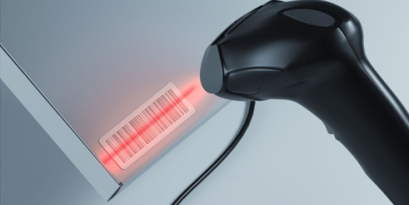
A barcode reader is a device that turns a printed code into data your till, stock or inventory software can use. Some read 1D codes (the vertical bars on a product) and others read 2D codes (such as the QR code). Your first selection criterion is therefore the type of code you need to read.

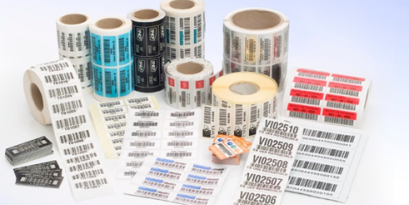
A 1D, or linear, code is the row of bars you see on a supermarket pack. A 2D code stores information across two dimensions and holds far more data: this is the case for the QR code or the Data Matrix used in industry. These formats rely on precise standards: the QR code is defined by the ISO/IEC 18004 standard and the Data Matrix by the ISO/IEC 16022 standard. According to GS1, the body that manages the global barcode standard, several billion scans are performed worldwide every day: read reliability is no small matter.

A simple rule to remember: a 2D reader also reads 1D codes, whereas a 1D reader cannot read 2D codes. If you only handle standard product barcodes, a 1D model is enough. If you handle QR codes, Data Matrix or codes shown on a screen, you need a 2D model. To compare devices by technology, see the 1D and 2D barcode scanners category.

The 3 Families of Barcode Reader

There are three main families: the wired handheld scanner for a fixed workstation, the wired or wireless gun-shaped reader to scan on the move, and the standalone portable terminal that acts as a mini-computer for mobile inventory. Each family answers a specific use.

The Wired Handheld Scanner (Fixed Workstation)

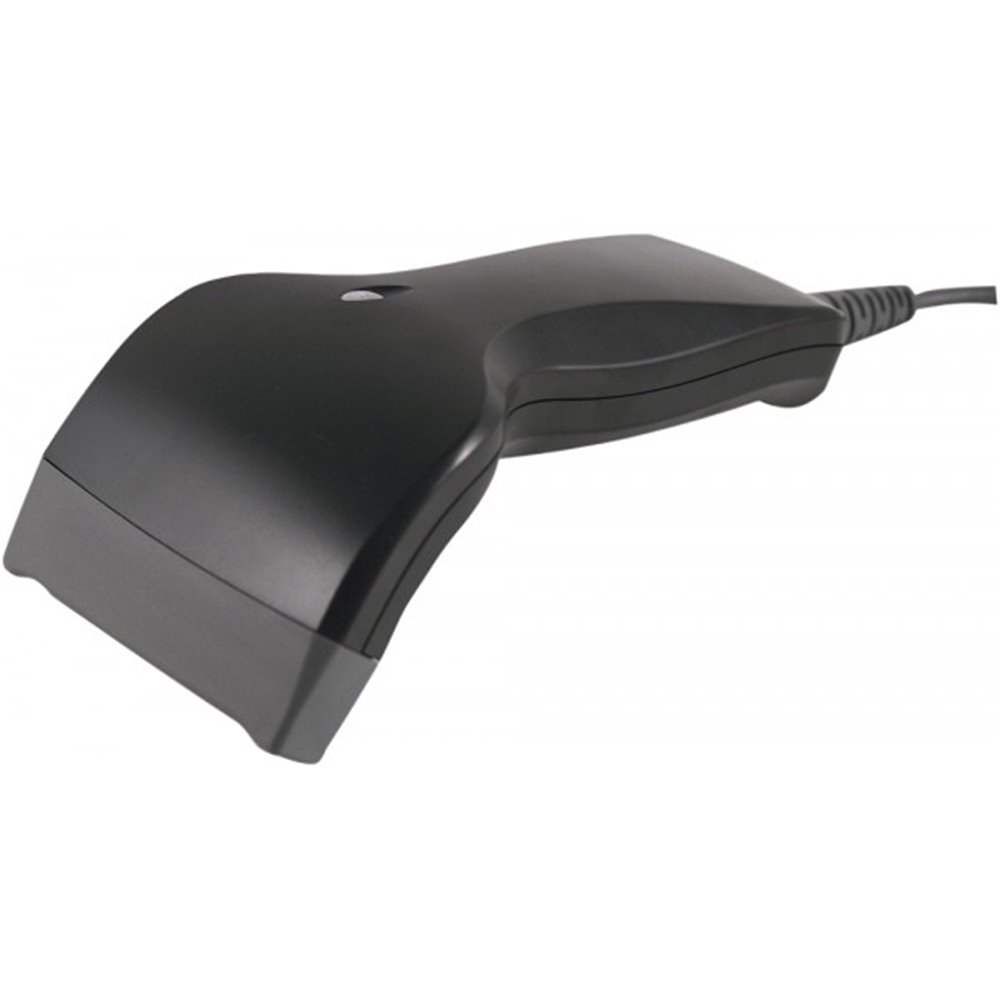
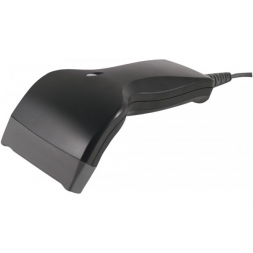
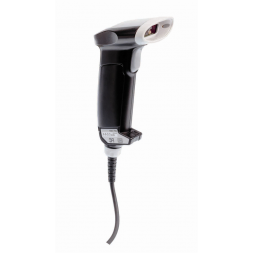
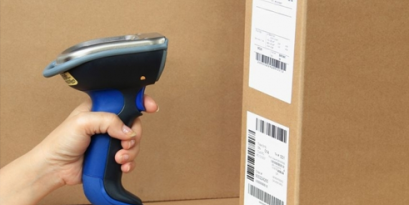
The wired handheld scanner is the most common device: light, plugged into a PC via USB, it reads 1D codes at a fixed workstation. You find it at tills, in small shops, libraries and healthcare. Some models run in automatic mode: they read as soon as a code appears, with no trigger to press.

It is the most economical option when the product comes to the reader, for example an item presented at the till. A model such as the SC6000 CCD scanner illustrates this category. For all wired models, see the wired barcode readers category.

ScannerWeightSpeedTemperatureRead headMax distance
OPL-6845Z90 g100 scan/s-5 to 50 °C1D Laser45 cm
CCD SC6000200 g200 scan/s-10 to 50 °C1D CCD/Laser10 cm
OPR-200160 g100 scan/s-5 to 50 °C1D Laser50 cm
L-22X150 g100 scan/s-5 to 50 °C2D Imager10-60 cm

The Gun-Shaped - Reader (Wired or Wireless)

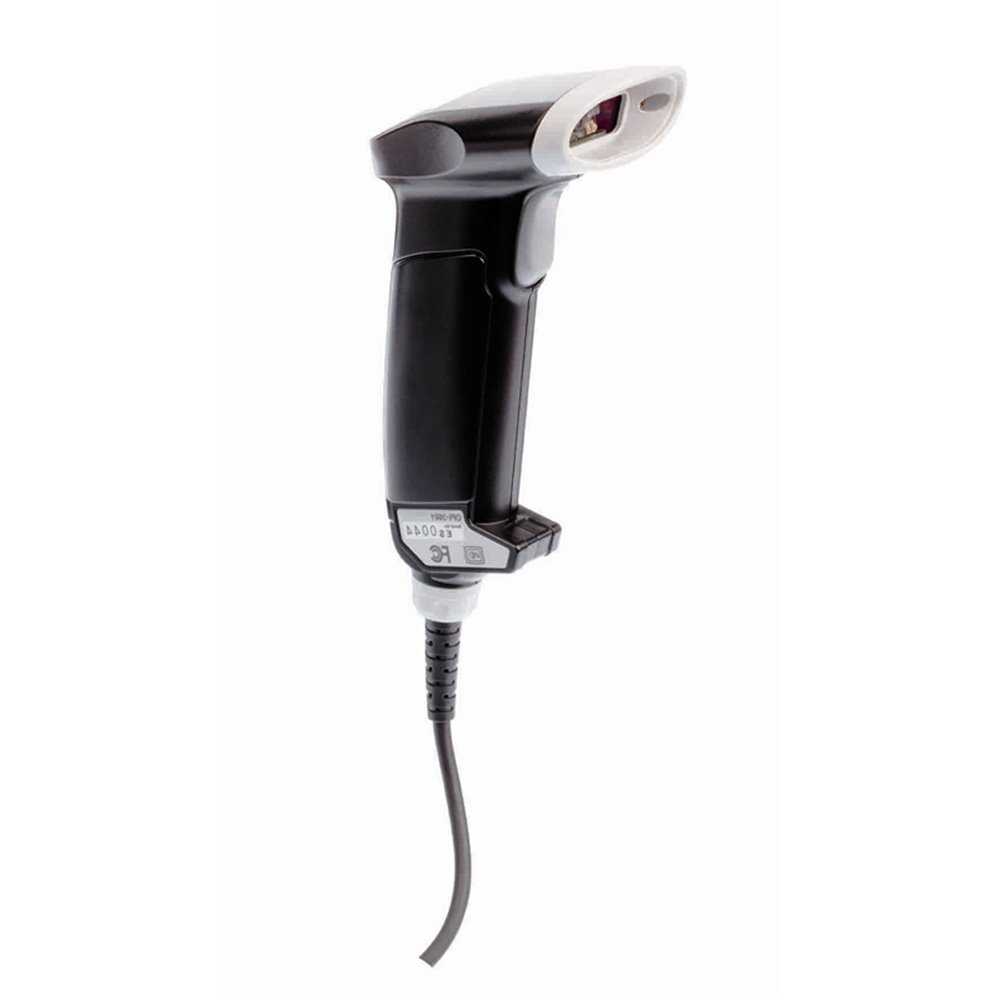
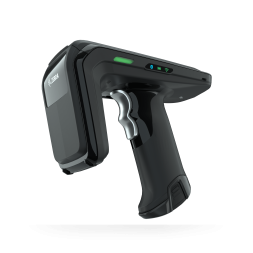
Gun-shaped and easy to handle, this reader is designed to scan items of varying sizes, including outdoors. It reads 1D codes and, in the 2D version, QR codes and Data Matrix. Two options exist. The wired reader connects via USB, Wedge or RS232C: fast scanning, no battery to manage, ideal for retail, events and public services, like the OPI-3601 2D USB reader.

The wireless barcode reader works over Wifi or Bluetooth, with a range of up to 80 m, onboard memory and around 48 h of battery life: it frees the operator from the cable to scan in the aisle or on the dock.

ReaderConnectionWeightSpeedTemperatureTechnology
OPR 3201USB/Wedge/RS232C80 g100 scan/s-5 to 50 °C1D and 2D laser
L51XWedge/RS232C (USB option)150 g60 scan/s0 to 50 °C1D and 2D Imager
OPI 3601Wedge/RS232C (USB option)85 g60 scan/s-20 to 50 °C1D and 2D Imager
OPC 3301iBluetooth strap127 g100 scan/s0 to 50 °C1D and 2D laser

The Standalone Portable Terminal

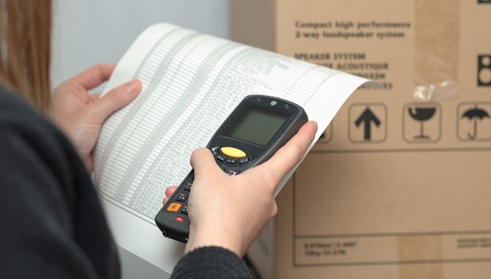
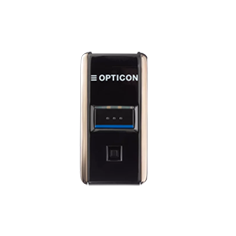
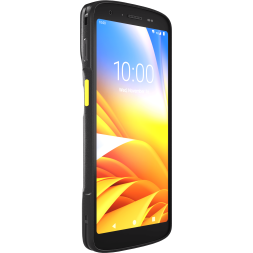
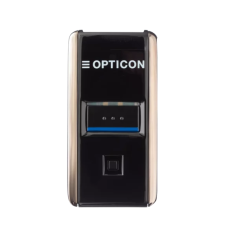
The portable terminal is a true mini-computer: it scans, stores and processes data on the spot, then transmits it wirelessly in real time (Wifi, Bluetooth, cellular) or through its cradle.

It is the tool for mobile inventory, warehouse traceability and in-store sales, when the operator moves and the reader goes to the product. Explore the full range of portable barcode terminals.

TerminalBattery lifeWeightSpeedRead headDistance
OPN 200112 h29 g100 scan/sLaser 1D / Imager 2D20 cm
PX-2035 h40 g100 scan/s1D Laser20 cm
OPL 981550 h115 g100 scan/s1D-2D Imager3-30 cm
OPH 300140 h156 g100 scan/s1D-2D Imager20 cm
EDA51K12 h300 g104 scan/s1D-2D Imager5-33 cm
H28 / H298 h~300 g100 scan/s1D-2D Imager26-30 cm

Wired or Wireless: Which One to Choose?

Choose wired when the product comes to the reader at a fixed workstation: it is cheaper and there is no battery to recharge. Choose wireless when the operator moves to the product: shelving, receiving dock, mobile inventory. The question is not budget, but who moves, the product or the person.

A till or reception desk does not move: a wired reader is more reliable and cheaper there, with no battery to manage. As soon as scanning happens on the move, over several metres or across high volumes, wireless (Bluetooth or Wifi) avoids back-and-forth trips and re-entry. For a warehouse inventory, the standalone terminal combines both advantages: mobility and onboard memory.

The 5 Criteria to Choose Your Barcode Reader Well

Five criteria are enough to decide: the type of code to read (1D or 2D), the environment and robustness (IP rating), the reading distance, the connectivity and compatibility with your software, and finally the mobility and daily scan volume.

  1. The code type. Only product barcodes? A 1D reader is enough. QR codes, Data Matrix or on-screen codes? You need a 2D reader.
  2. The environment and robustness. In a warehouse, outdoors or in a workshop, aim for at least an IP54 protection rating (IEC 60529 standard) and a temperature range suited to the field.
  3. The reading distance. From a few centimetres at the till to several dozen centimetres to read a code high on a shelf: a long-range laser reader becomes useful.
  4. Connectivity and compatibility. USB for a fixed workstation, Bluetooth or Wifi for mobility. Check that the reader talks to your till, ERP or stock software.
  5. Mobility and volume. A few scans a day at a fixed post, or hundreds on the move? The second case justifies a wireless reader or a standalone terminal.

Which Barcode Reader for Which Use?

For a till or small shop, a wired 1D handheld scanner is enough. For a warehouse and mobile inventory, choose a standalone portable terminal. To read QR codes or on-screen codes, you need a 2D reader. The table below links each situation to the recommended device.

Your situationMain constraintRecommended type
Till, small shop, receptionFixed post, controlled budgetWired 1D handheld scanner
Warehouse, mobile inventoryMovement, onboard memoryStandalone portable terminal
High or shelf readingReading distanceLong-range laser reader
QR codes, on-screen codes2D codes2D imager reader
Field, outdoor, workshopRobustness and mobilityWireless IP54 reader
Asset and equipment managementCentralised fleet tracking2D terminal + dedicated software

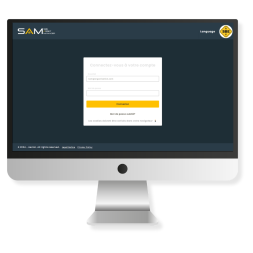
For asset and equipment management, the reader is only part of the solution: it is driven by asset management software such as SAM, which centralises scans, the fleet and movements. This reader-plus-software pairing is what turns a simple scan into genuine traceability.

In Short: Choosing Your Barcode Reader

Always start from your activity, not from the datasheet. First identify the code type (1D or 2D), then the environment, the distance, the connectivity and the scan volume. A fixed post calls for a wired handheld scanner; a mobile operator calls for a wireless reader or a standalone terminal; fleet management calls for a 2D reader paired with software. To go further, see how to optimise your stock management with a barcode scanner. Unsure about your setup? Ask for a fast quote and free samples to test the barcode reader best suited to your field.

Updated August 2026.

Related products

Continue reading...
These articles too might interest you.

What is the best professional barcode reader?

Barcode readers are efficient tools for the identification of products stored in the professional environment. Barcode readers can read one-dimensional barcodes (128, UPC-A, EAN13..) but also two-dimensional ones (QR Code). There is no ideal reader but a reader adapted to a need. In order to find the reader model that suits you, it is essential to determine its use and its features.

Product News
10407 views

How to optimize stock management with a barcode scanner ?

Inventory management is nowadays one of the major concerns of company managers. Indeed, it must be optimized to allow the traceability of products and thus increase the profitability of the company and its reputation with its customers. SBE offers several models of barcode scanners that will help you save time during your inventories thanks to their fast and reliable data reading and their ease of use.

SBE advise you
20866 views

Make your inventory a success with our range of identification labels

Save time and money during your asset inventories by avoiding the loss of identification or even the theft of your assets. Come and test our most recognized and innovative range of identification labels on the market for free.

Product News
Philippe Montureux
9302 views

FAQ — Barcode Reader

What is the difference between a handheld scanner and a barcode reader?

A handheld scanner is a type of barcode reader. The term describes a light, wired device used at a fixed workstation to read mostly 1D codes. "Barcode reader" is the generic term: it covers the handheld scanner, the wireless gun-shaped reader and the portable terminal. In practice, you choose a handheld scanner for a till, and a wireless reader or a terminal as soon as you need to move.

Can a barcode reader read a QR code?

Yes, provided it is a 2D (imager) reader. A QR code is a 2D code, defined by the ISO/IEC 18004 standard: only 2D readers can decode it. A 1D (laser) reader only reads linear barcodes. The good news: a 2D reader also reads 1D codes, so it covers every case.

Do you need a wired or wireless reader for stock management?

It depends on mobility. To record deliveries at a fixed post, a wired reader is enough and costs less. To scan in the aisle, on the dock or during an inventory, a wireless reader or a standalone portable terminal avoids re-entry and saves time. In a warehouse, the standalone terminal, with its onboard memory, remains the benchmark.

Which barcode reader should you choose to read a code on a phone screen?

You absolutely need a 2D reader with imager (camera) technology. Unlike the laser, the imager reads a code shown on a smartphone, tablet or PC screen, including a QR code or a digital ticket. It is the essential choice for access control, events or click-and-collect. To learn more, read our guide covering everything you need to know about barcodes and their readers.

Find your barcode reader

Wired scanners, wireless readers and 1D/2D portable terminals. Fast quote and free samples.

View barcode readers →
See the author's articles
Melissa Oumaouche

With over 5 years of experience in creating content optimized for search engines, Mélissa is currently Marketing & Product Manager at SBE Direct, where she leads the product catalogue positioning across the e-commerce website and marketplaces, as well as the SEO content strategy in coordination with the marketing team she oversees.

We use cookies to improve your experience.