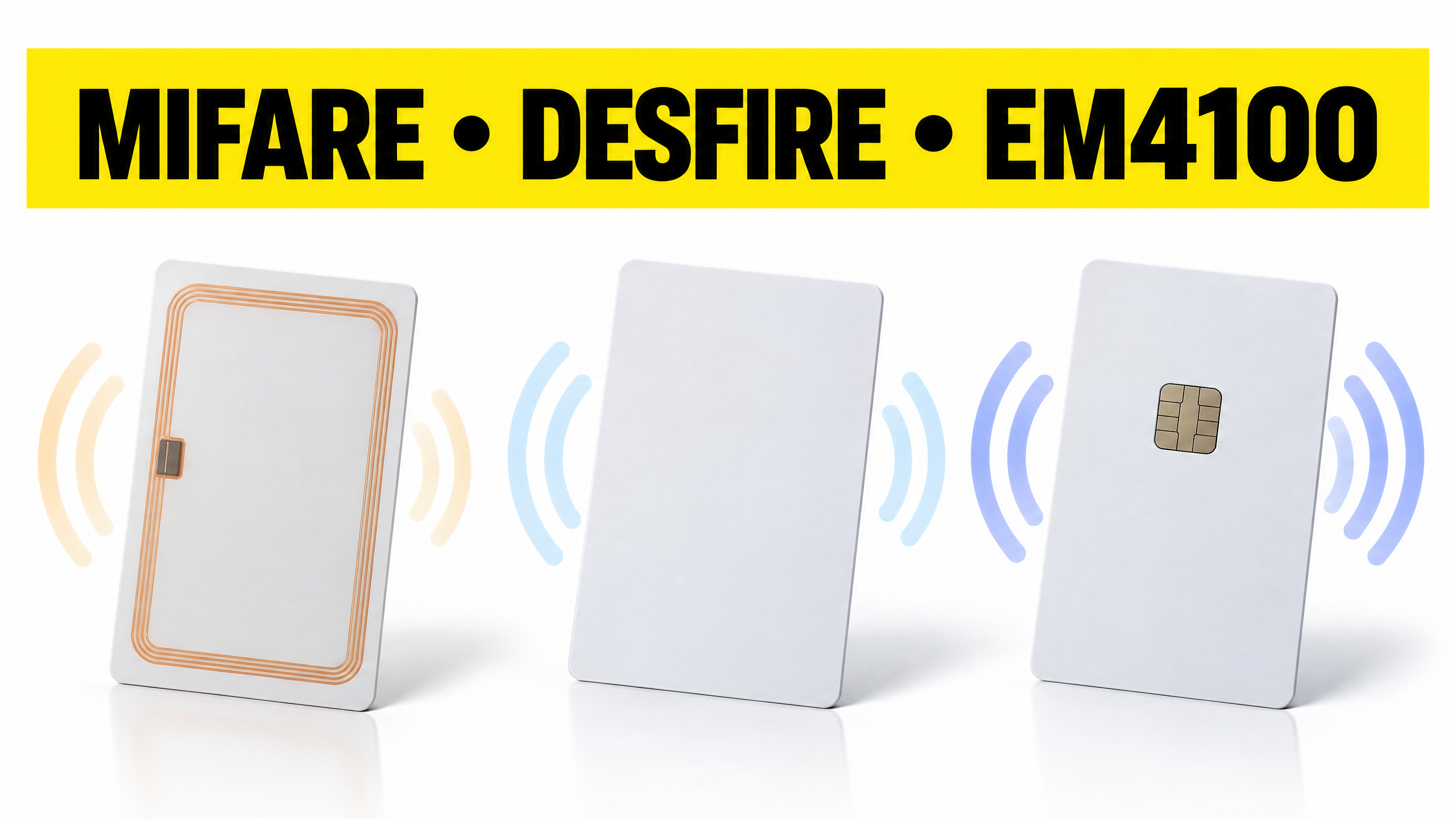
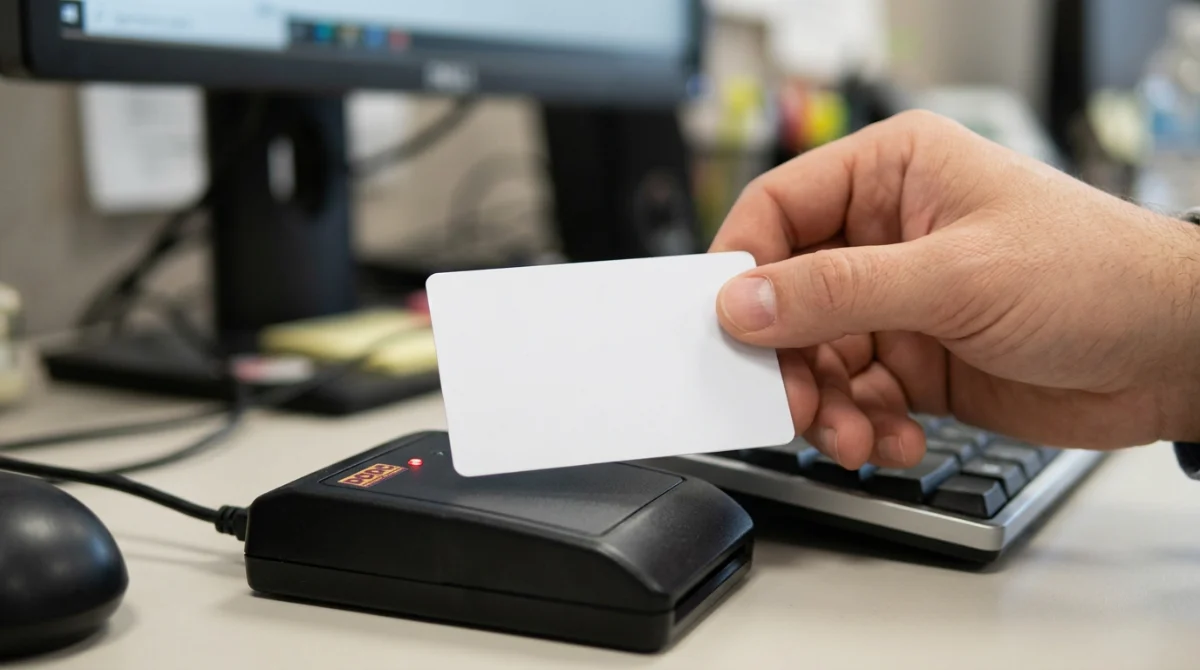
MIFARE Classic, DESFire and EM4100 are the three chips most widely found on work badges. Security, compatible readers, formats and budget: these four criteria decide which one fits your access control, your time and attendance system or your multi-application project, and how to check compatibility before you order.
Key takeaways
→EM4100 for simple identification, on an installation that is already 125 kHz compatible.
→MIFARE Classic to fit into an existing estate that already uses this technology.
→DESFire for sensitive access points and multi-application badges that require secure authentication.
→Compatibility is always checked across the whole chain: chip, reader and management software.
Two badges can look strictly identical and still be incompatible with the same reader. Everything happens inside, in the chip: MIFARE, EM4100 and DESFire do not speak the same frequency or the same language. Should you prioritise cost, security or compatibility with the installation already in place? Which chip resists copying, and which one simply identifies? How do you know whether your current reader can read it? The answers come down to a handful of criteria, worth settling before your next order of RFID badges.
EM4100, MIFARE Classic, DESFire: What Are the Differences?
EM4100 is a read-only 125 kHz chip that broadcasts a fixed identifier. MIFARE Classic and DESFire work at 13.56 MHz with rewritable memory. One important point: DESFire belongs to the MIFARE family from NXP. The comparison therefore covers EM4100, MIFARE Classic and MIFARE DESFire.
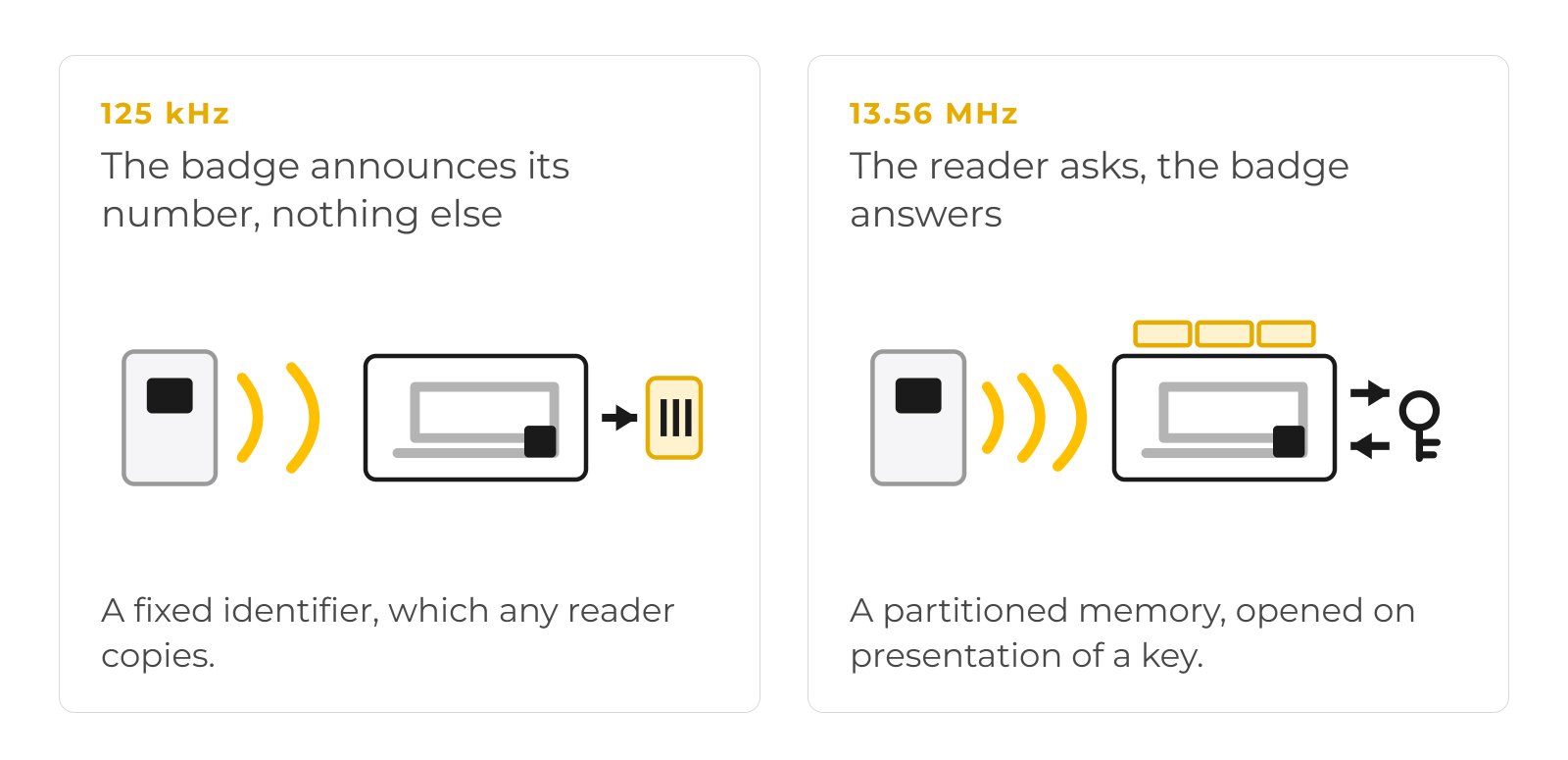
The underlying difference lies in the frequency and the language of the chip. Low frequency (125 kHz) identifies, high frequency (13.56 MHz, ISO/IEC 14443 Type A) authenticates and stores data. Confusing the two leads to ordering badges that no reader already in place will be able to use.
EM4100: A 125 kHz Chip for Simple Identification
In brief: an EM4100 card works like a number plate. It announces a number, nothing more, and a 125 kHz reader picks it up from a few centimetres away.
The technical side: the EM4100 chip (and its equivalents EM4200, TK4100) operates in the 125 kHz band, without a battery, through inductive coupling. It transmits a 64-bit identifier fixed at the factory, read-only, with no rewritable user memory and no cryptographic function.
→Advantages: simplicity, low unit cost, reliable and immediate reading.
→Limitations: no authentication, identifier copyable with a consumer-grade duplicator.
MIFARE Classic: A 13.56 MHz Chip With Rewritable Memory
In brief: MIFARE Classic adds memory. The badge no longer just announces a number, it can store data, for example a time-and-attendance identifier or a balance.
The technical side: MIFARE Classic comes in 1 KB (16 sectors) and 4 KB (40 sectors), each sector protected by two keys. Security relies on the proprietary Crypto1 algorithm, whose cryptanalysis has been public since 2008.
The Crypto1 flaw was demonstrated in 2008 by a team at Radboud University in Nijmegen (Flavio Garcia, Bart Jacobs and colleagues), who published a method for recovering keys and cloning MIFARE Classic cards.
→Where it fits: ideal for aligning with an estate already equipped with MIFARE Classic.
→Limitation: do not make it the security benchmark of a new project, and do not assume every MIFARE chip offers this level of security.
MIFARE DESFire: The Chip for Secure, Multi-Application Badges
In brief: DESFire is the choice for environments where the badge must not be copied and where it has to deliver several services, for example opening a door, paying in the staff restaurant and releasing a print job.
The technical side: MIFARE DESFire (EV1, EV2 and DESFire EV3 generations, launched by NXP in 2020) encrypts exchanges with 128-bit AES and manages several partitioned applications on a single chip. DESFire EV3 is Common Criteria EAL5+ certified. Capacity (2, 4 or 8 KB) is specified at the time of purchase.
SBE note: the real security of a DESFire depends on how it is used. If the reader simply reads the serial number without activating AES authentication, the badge is no better protected than a basic chip. Key management is the real subject here.
Comparison Table: Frequency, Memory, Security and Uses
EM4100 identifies at 125 kHz, MIFARE Classic stores at 13.56 MHz with dated security, DESFire authenticates with AES on the same frequency. The table below sums up the criteria that decide the choice: frequency, read or write, memory, security, uses and the readers required.
Criterion
EM4100
MIFARE Classic
MIFARE DESFire (EV3)
Frequency and protocol
125 kHz (LF)
13.56 MHz, ISO 14443-A
13.56 MHz, ISO 14443-A
Read / write
Read-only
Read and write
Read and write
Memory
Fixed 64-bit ID
1 KB or 4 KB, by sector
2, 4 or 8 KB, multi-application
Security
None
Crypto1, outdated
AES 128, EAL5+
Typical uses
Simple identification
Existing estate, time and attendance
Sensitive access, multi-application
Readers required
125 kHz reader
13.56 MHz reader
13.56 MHz reader with keys
Key advantage
Cost and simplicity
Fits the existing estate
Security and versatility
Key limitation
Easy to copy
Weak security
More demanding to implement
Which Technology Should You Choose for Your Business Use Case?
The right choice depends on the use case, not on fashion. Simple identification is happy with EM4100, an existing estate imposes its technology, a sensitive access point calls for DESFire, and a multi-application badge requires a chip that supports several applications. Each case is handled separately.
Adding or Replacing Badges on an Existing Installation
Start from the reference already in service, not from a catalogue. Note the technology and the frequency of the current badge, check the characteristics the reader expects, then test a sample before any volume order. For this kind of need, a blank RFID card to encode in the right technology aligns with the estate without replacing everything. Keep the three steps apart: buying the badge, registering it in the system, then assigning access rights.
Controlling Access to Offices and Sensitive Areas
The choice rests on the risks to be covered, not only on the number of employees. A server room, a laboratory or a valuables storage area justify secure DESFire-type authentication, where a shared room is satisfied with something simpler.
Our dedicated article sets out how to choose a badge reader for access control according to the level of security you are aiming for.
Identifying Staff and Managing Time and Attendance
The badge and the software play two complementary roles. The chip identifies the holder, the software records entries and manages authorisations. For time and attendance, a memory chip such as MIFARE is often enough, because the sensitive data stays in the system, not on the card.
Combining Access, Catering and Printing on a Single Badge
This is DESFire territory. A single multi-application badge can host several partitioned applications: access to premises, payment in the canteen, print quota. Keep apart the applications genuinely stored on the chip and the services that only use an identifier linked to a central database.
Card, Badge or RFID Key Fob: Which Format Should You Choose?
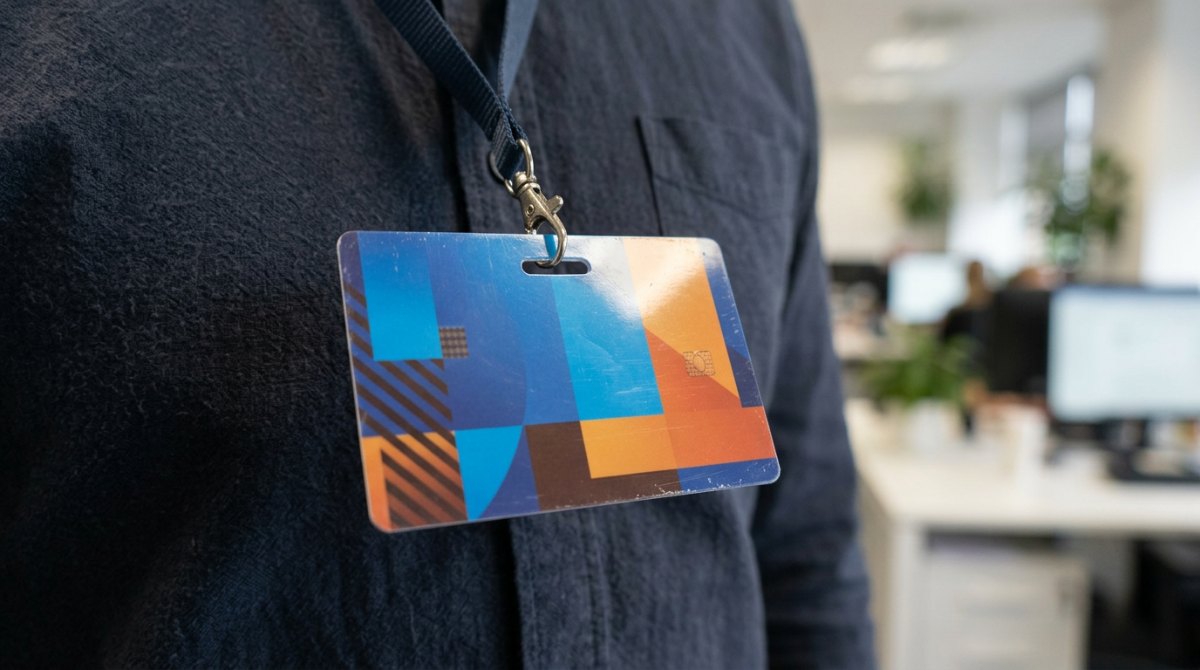
The format depends on the use case, not on the technology. The card combines visual identification and access, the key fob favours compactness, the personalised badge serves the company image. The format alone never determines the chip or the level of security.
The RFID Card for Combining Visual Identification and Access
Bear in mind that graphic personalisation and electronic encoding are two separate operations.
The Personalised Badge for Everyday Use
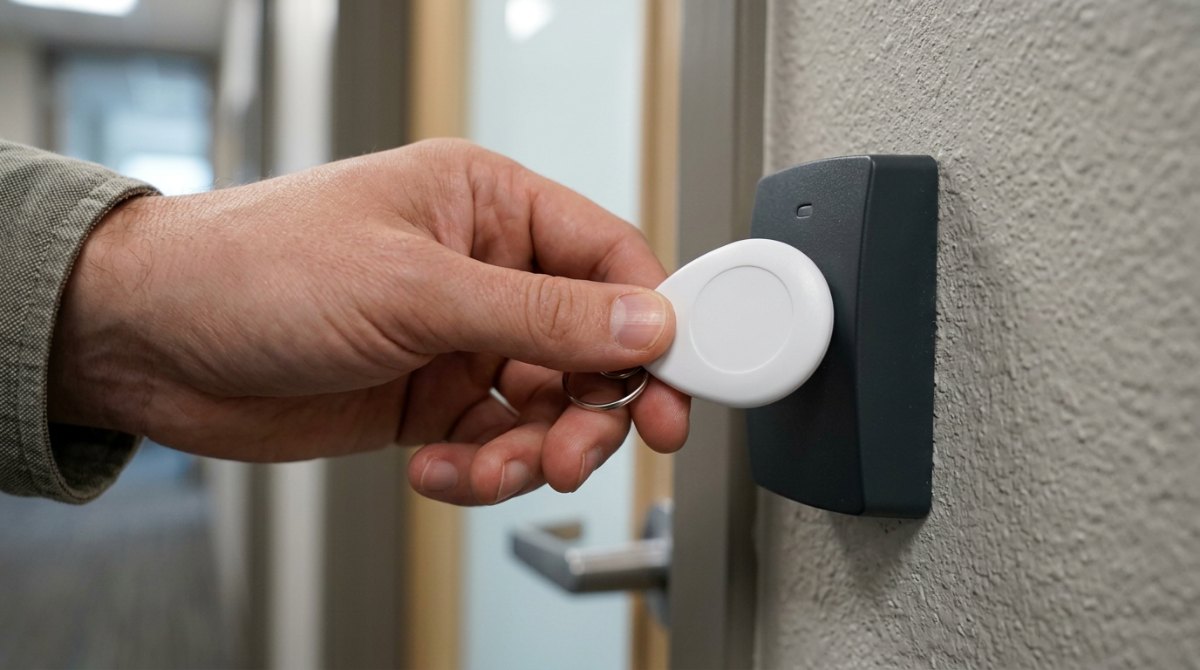
For repeated handling, a personalised RFID badge printed on both sides holds up to daily use while carrying the company's visual identity. A compact key-fob format remains relevant for a keyring, when visual identification is not a priority.
The Practical Criteria to Check Before Buying
Review the material, the dimensions, the operating conditions, the personalisation requirements and the read performance expected. A badge exposed to abrasion or to the outdoors does not face the same constraints as an office badge. Above all, remember that the format of the carrier sets neither the technology nor the security: a card can be EM4100 just as easily as DESFire.
When Should You Choose a Combined DESFire + EM4100 Card?
The combined DESFire + EM4100 card exists to make one badge work on two different installations. It supports a gradual migration to DESFire without replacing every reader at once. Each technology keeps its own characteristics and its own level of security.
The typical case: a legacy 125 kHz (EM) estate coexists with new DESFire access control. A dual-technology card opens both worlds during the transition. Each reader reads the chip it knows, with no action from the user.
Be careful not to over-read the security. The presence of DESFire does not protect exchanges carried out through the EM side, which remains copyable. During the switchover, doors still driven by EM keep the security level of EM. Also check the exact reference of the 125 kHz chip built in, because EM4100, EM4200 and TK4100 are not always interchangeable depending on the reader.
Which Readers Should You Use With These RFID Badges?
The frequency dictates the reader. A 125 kHz badge calls for a 125 kHz reader, a 13.56 MHz badge for an HF reader, and DESFire for a reader capable of authentication. In a mixed estate, a multi-technology reader or an encoder simplifies badge registration.
125 kHz Readers Compatible With EM4100
Beyond the frequency, check the protocol and the identifier format expected. A 125 kHz reader only returns the identifier of an EM chip if it correctly decodes its family, and an EM-compatible USB RFID reader covers both 125 kHz and 13.56 MHz at the registration desk.
13.56 MHz Readers Compatible With MIFARE Classic or DESFire
Keep three levels apart: detecting the card, reading its serial number, then accessing a protected application. The first two are straightforward, the third requires the right keys. The catalogue of badge readers covers these HF uses, from simple access control to secure DESFire reading.
Multi-Technology Readers and Encoders
In a mixed estate, a multi-frequency reader reads EM 125 kHz, MIFARE and DESFire alike, which makes badge registration easier at the administrative desk.
To prepare and rewrite cards, an encoder such as the TWN4 Multitech LF/HF reader-encoder writes the data into the chip. The golden rule remains to validate compatibility across the whole chain: badge, reader, controller and software.
How to Choose and Order Your Work Badges
To choose correctly, work through the steps: identify what is already in place, define the uses and the security level, settle the memory and the format, anticipate the encoding, cost the whole project and test a sample. This method avoids orders that cannot be used.
Identify the technology and the equipment already in place.
Define the uses and the security level expected.
Choose the memory and the format that fit.
Specify the printing, encoding and registration requirements.
Assess the total cost: badges, readers, configuration and any migration.
Test a sample before any volume order.
Based on our field deployments in B2B identification, requests on an existing estate still mostly involve 125 kHz or MIFARE Classic chips, while new access control projects are moving to DESFire. Send us the reference of your installation and your use cases to request a quote for your RFID badges and cards in the right technology.
FAQ: Your Questions About RFID Badge Chips
How Can You Tell Which Technology Your Current Badge Uses?▾
Start with the frequency. A multi-technology reader or encoder shows whether the badge responds at 125 kHz (EM) or at 13.56 MHz (MIFARE, DESFire), and often displays the chip family. Without a tool, the purchase reference or the supplier of the estate provides the information. Simply noting the number printed on the card is not enough, because it does not reflect the chip inside.
Can a MIFARE Classic Reader Read a DESFire Badge?▾
Partly. MIFARE Classic and DESFire share the 13.56 MHz frequency and the ISO 14443-A standard, so an HF reader detects the DESFire card and reads its serial number. It does not, however, access the protected applications on the DESFire, which require AES authentication and the matching keys. To use DESFire security, the reader must be configured for that technology.
Can an EM4100 Badge Be Reprogrammed?▾
No. The EM4100 chip is read-only: its identifier is fixed at the factory and cannot be rewritten. To change the identifier, the card has to be replaced. If your need involves modifying data on the badge, go for a rewritable chip such as MIFARE or DESFire, or for a blank card to encode in the right technology.
Can a Smartphone Read These RFID Badges?▾
Partly. An NFC smartphone works at 13.56 MHz and can read the serial number of a MIFARE or DESFire badge, sometimes more depending on the application. It does not read 125 kHz chips such as EM4100, for lack of a low-frequency antenna. A phone is therefore no substitute for a 125 kHz reader, and it does not access secure applications without the keys either.
Is a DESFire Card Secure if the Reader Only Uses Its Serial Number?▾
No, in that case DESFire security is not brought into play. The serial number (UID) is readable by any HF reader and can be copied. The strength of DESFire comes from AES authentication and encrypted exchanges, which only operate if the reader and the system actually activate them. A multi-technology reader such as the TWN4 Multitech reader-encoder makes it possible to configure that secure reading. Without it, the card is worth no more than simple identification.
Can a Badge Bought Blank Open a Door Straight Away?▾
No. A blank badge carries a chip, but no rights yet. It has to be registered in the access control software, then granted the authorisations you want. Purchase, encoding and rights assignment are three separate steps. Plan the encoding and the registration from the moment you order, to avoid a badge that cannot be used on go-live day: the right choice between EM4100, MIFARE Classic and DESFire is prepared from the outset.
Need the right chip for your badges?
Send us the reference of your installation and your use cases, and we will settle the technology and the encoding with you.
With over 5 years of experience in creating content optimized for search engines, Mélissa is currently Marketing & Product Manager at SBE Direct, where she leads the product catalogue positioning across the e-commerce website and marketplaces, as well as the SEO content strategy in coordination with the marketing team she oversees.