Identifying a device without hunting for its barcode, recognising a badge at reception, or recording goods as they pass a dock: an RFID reader answers very different needs. The point is to choose a device compatible with the tags you need to read and with the software that will use the data.
Frequency, format, read range, encoding: these are the points to examine when selecting a reader suited to your activity and building a working solution.
Key takeaways
→An RFID reader exchanges data by radio waves with a chip embedded in a label, a card or a badge.
→An LF or HF model designed for badges does not replace a UHF reader built to identify batches of goods.
→Handheld readers follow operators on the move, fixed readers equip passage points, and USB models suit workstations.
→Compatibility depends on frequency, protocol, chip and expected functions. The word “RFID” alone is not enough.
→The budget must cover the reader, the tags, the accessories and the software, along with commissioning.
What Is an RFID Reader and How Does It Work?
An RFID reader is a device that communicates by radio frequency with a transponder, also called an RFID tag. It retrieves the tag’s identifier and, depending on its capabilities and access rights, other information stored in the chip’s memory.
The system combines a reader, an integrated or external antenna, tags and software. For a passive label, operation runs in four steps:
→The reader emits a signal through its antenna.
→The chip receives the energy it needs to activate.
→The tag returns its data, following a protocol compatible with the reader.
→The software uses the read to locate an item, record an operation or check an access right.
In passive UHF, the tag replies by modulating part of the signal sent back to the reader: this is backscatter. The communication mechanism differs for LF and HF systems.
Not all business information is necessarily stored in the chip. An identifier can simply point to a record holding the asset’s name, its assignment or its history.
What Are the Different Types of RFID Reader?
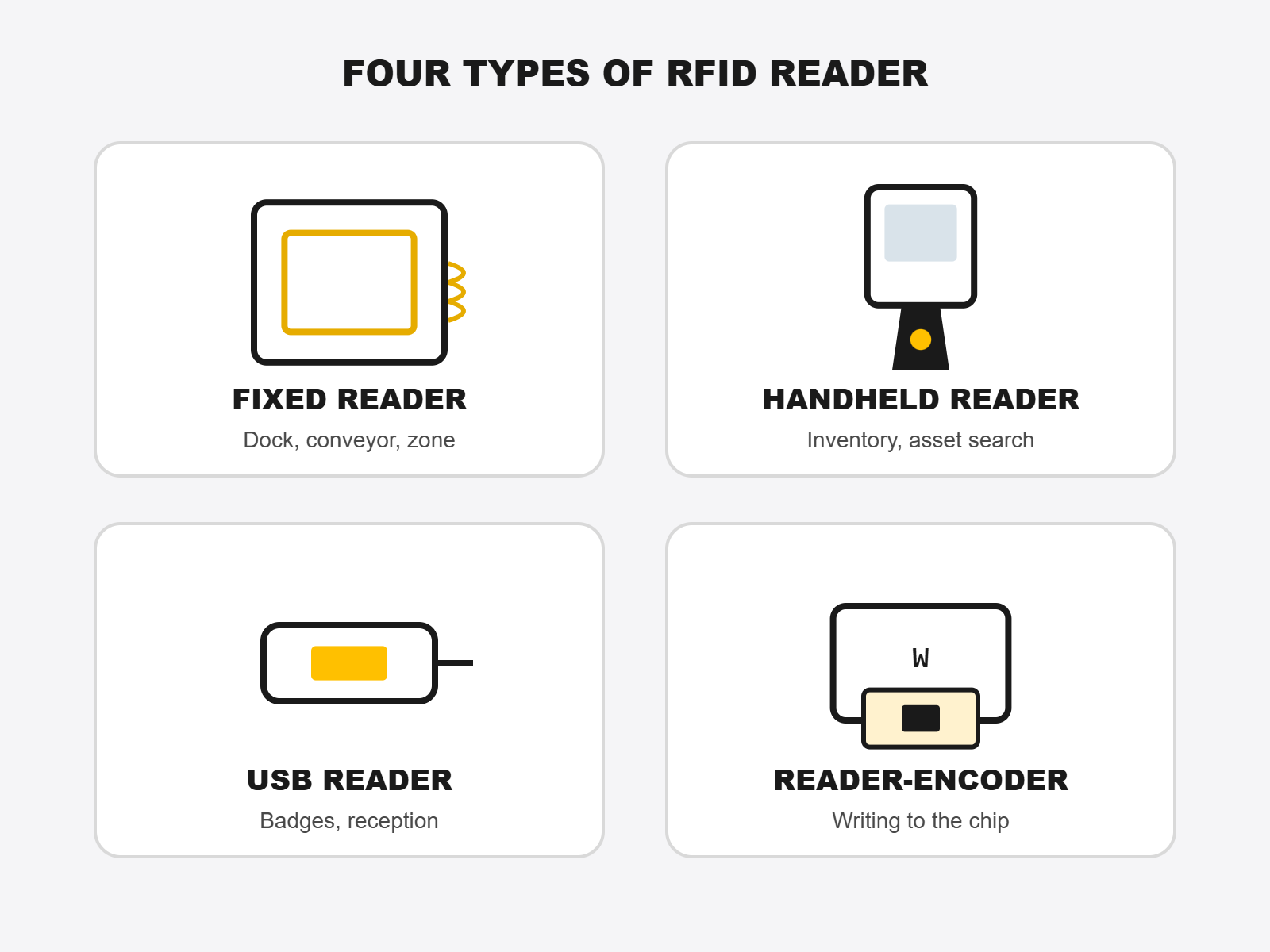
The names describe different characteristics: “fixed” and “handheld” refer to a mode of use, “USB” to a connection and “encoder” to a function. A single device can therefore belong to several categories.
Type of reader
Common uses
Point to check before buying
Fixed reader
Detection at a dock, on a conveyor or within a defined zone
Antennas, read coverage and system integration
Handheld reader
Mobile inventories, asset searches, spot checks
Ergonomics, battery life and application compatibility
USB desktop reader
Badge reading, reception identification, linking a card to a record
Supported chips and format of the transmitted data
Reader-encoder
Writing data to a compatible chip
Writable memory, access rights and encoding software
The Fixed RFID Reader: Automating a Read Point
Installed at a defined location, the fixed reader can identify objects as they cross its coverage zone. In logistics, it can equip a receiving dock or a production line.
Its placement must be studied: a zone that is too wide risks capturing nearby items, while insufficient coverage can cause missed reads. You also need the rules that turn a detection into a business event.
The Handheld RFID Reader: Working Close to the Assets
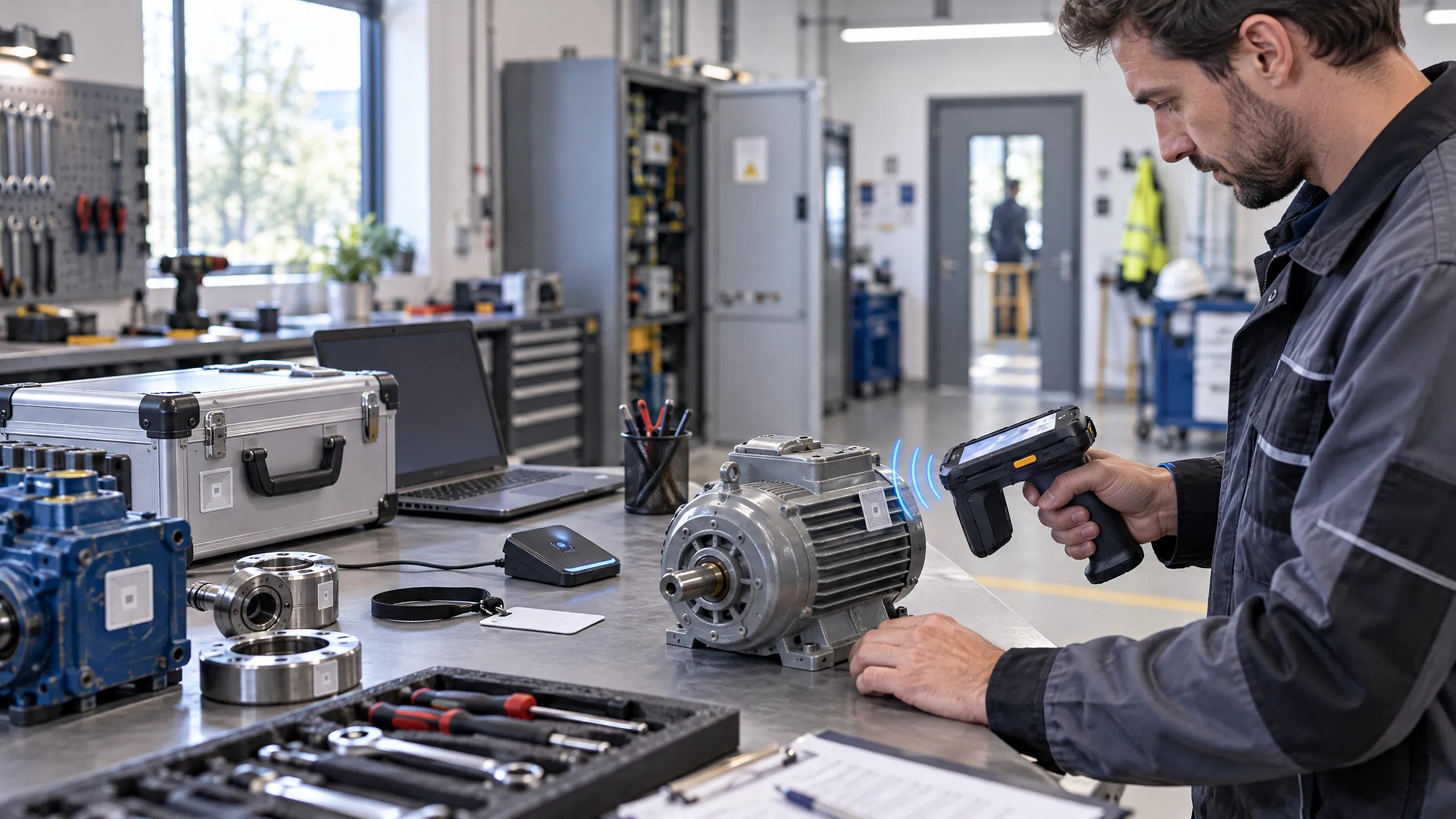
The handheld reader follows the operator through shelving, offices or workshops. It can take the form of a standalone terminal with a screen, or an RFID grip paired with a compatible mobile terminal.
The first brings the functions together in a single device. The second adds RFID reading to equipment already used by the teams.
The USB RFID Reader: Identifying From a Computer
A desktop reader connected by USB suits reading a badge at reception or registering a card in an application.
Some models send the identifier like a keyboard entry. Others require a driver or software integration. A USB port therefore guarantees neither immediate use with your application nor the reading of every chip.
The Reader-Encoder: Writing to the Chip
Encoding means writing data to a dedicated memory area. It can serve to assign an identifier to a label or to prepare tags before use.
Not every reader allows writing, and not every memory area can be modified. Some are locked or protected. To produce printed and encoded labels, a compatible RFID printer is another option.
LF, HF, NFC or UHF: Which Technology to Choose?
The choice starts with the tags you have or plan to use. A reader must recognise their frequency and their communication protocol.
Technology
Usual frequency
Example applications
LF, low frequency
125 kHz or around 134 kHz
Close-range identification, some badges and animal identification
HF, high frequency
13.56 MHz
Contactless cards, libraries and object identification
NFC
13.56 MHz, within the HF family
Close-range interactions with a phone or a compatible reader
Passive UHF, including RAIN RFID
UHF band, depending on region and hardware
Batch reading, inventories and logistics tracking
Range depends on the reader, antenna, tag and environment together. It can run from a few centimetres for a close-range application to several metres in UHF.
Two devices working at the same frequency are not necessarily compatible. You also need to check protocols and chip references. For passive UHF, the ISO/IEC 18000-63:2013 standard defines the air interface between reader and tag, which determines real-world compatibility between devices; EPC Gen2 and this standard are useful references.
The RFID tags should be selected together with the reader, taking into account the mounting surface and the operating conditions.
What Is an RFID Reader Used For in Business?
Running Inventories and Locating Assets
A handheld UHF reader can identify several items in a single operation, without presenting each label to a scanner. Some devices also offer a search mode to guide the operator towards a specific tag.
These functions help check the presence of computers, tools or goods. Their implementation is detailed in our guide to RFID inventory.
Tracking Logistics Movements
Readers installed at passage points can record the detection of items during a delivery or a dispatch. The application then reconciles this information with the expected operations.
Reading a tag does not, on its own, prove that a parcel was dispatched: the detection zone and the validation rules must match how the site actually works.
Identifying People and Managing Access
A badge reader can link a card to an employee or identify a visitor. To open a door, it must be part of a compatible system that includes rights management and lock control.
A USB desktop reader is therefore not, on its own, a complete access control system.
Supporting Library Loans or Equipment Tracking
In a library, RFID can ease the identification of books during loans and returns. In a workshop or a maintenance service, it can record the handover of equipment, its return or its assignment.
In each case, the reader must be compatible with the tags and the business application in use.
What Are the Benefits of an RFID Reader?
RFID reduces handling when tags are numerous or hard to reach. Its main benefits are:
→Reading without a direct line of sight to the label, within the conditions compatible with the technology and the surrounding materials.
→Capturing several identifiers in a single operation, especially useful with suitable UHF systems.
→Fewer manual re-entries, when data is sent directly to the software.
→A detection history, usable to track movements or find an asset’s last read zone.
→Writing to some tags, with a reader-encoder and the right access rights.
The barcode remains relevant for simple single-item reads: our overview of RFID and the barcode sets out the use cases. The two technologies can coexist on the same label or across the same estate.
RFID also has constraints: equipment cost, IT integration and sensitivity to reading conditions. Metal, liquids or poor tag orientation can change performance. A test on your own products is more useful than a comparison based on advertised range alone.
Which Criteria to Choose an RFID Reader?
1. Define the Expected Operation Precisely
Start by describing the task: reading a badge at a few centimetres, counting items on a shelf or detecting a bin on a line.
Specify the volume, the frequency of use and the result expected in the software. These elements let you compare devices against a concrete need.
2. Check the Chips and the Accessible Data
Note the frequency, the protocol and the reference of the tags. Decide whether you need to read an identifier, consult a protected memory or write information.
For a secure badge, reading its number does not mean being able to access its protected data. Support for security functions must be checked separately.
3. Test the Range and Read Quality
Maximum distance is not always the best criterion. For an identification station, a short range can be preferable in order to select a single tag.
For batches, assess the labels actually identified, the out-of-zone reads and the time needed for the full operation. The reads-per-second figure does not automatically match the number of distinct products handled in your installation.
4. Validate the Connection to the Software
Check the operating system, the available interface, the drivers and the functions supported by the application. A USB connector or a Bluetooth link does not guarantee business compatibility.
Ask for a demonstration that goes all the way to the final result: reading the tag, identifying the asset and recording it in your software.
5. Examine Ergonomics and Durability
For mobile use, compare the weight in full configuration, the grip, the battery life and the charging. In a workshop or a warehouse, also check operating temperatures, drop resistance and a suitable protection rating.
For a fixed reader, examine the mounting, cabling and power constraints.
6. Compare the Cost of the Complete Solution
The price of the reader is only part of the budget. Include any antennas, the tags, the associated terminal, the chargers, the software and the configuration.
To compare two offers, ask for the same functional scope and the exact list of included items. Also plan a test on a representative sample before rolling out the equipment.
Which RFID Readers to Choose at SBE Direct?
The USB RFID Reader for Badges and Cards
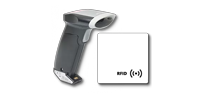
The USB RFID reader for badges and cards meets close-range reading needs. The product page offers several interface and frequency options: the variant must be selected according to your tags.
It can equip an identification or badge-registration station. It is not a UHF reader intended for inventorying goods.
The Zebra RFD40 for Mobile UHF Reading
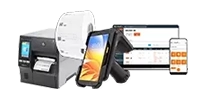
The Zebra RFD40 RFID reader with eConnex adapter for TC22/TC27 suits mobile UHF reading operations.
Zebra states more than 1,300 tag reads per second for the RFD40 Standard and an IP54 protection rating. Actual performance depends on the tags and the environment.
Pairing it with a TC22 or TC27 adds UHF reading to the terminal. The quote should specify the terminal, the adapter, the charging accessories and the software included.
The Zebra TC22R for a Terminal With Built-In UHF RFID
The Zebra TC22R integrates UHF reading into an Android terminal. It is an option for teams wanting a single device that combines mobile and RFID functions.
The choice between this configuration and a terminal-plus-RFD40 set depends on the existing fleet, the ergonomics sought and the application used.
Software to Use the Reads
Collected data gains value when it is linked to asset records. The SAM (SBE Asset Manager) software centralises inventory and asset-tracking information. The hardware configuration and the functions required must be validated for your project.
You can compare the RFID reader range or request an express quote within 4 hours from SBE Direct, specifying your tags, your software and your reading conditions, to receive a tailored proposal.
To build a reliable solution, compare models against your tags, your software and your reading conditions: that is how you choose an RFID reader truly suited to your activity.
FAQ
Can a Smartphone Replace an RFID Reader?▾
A smartphone with NFC can read some compatible NFC tags, depending on the phone and the application. This function cannot read UHF inventory labels. A compatible external UHF reader or a dedicated terminal is then needed.
Can One Reader Read Every Card?▾
No. A device reads only the frequencies, protocols and chips it supports. Even a multi-technology reader must be checked against the exact references of the cards in use.
Does an RFID Reader Locate an Object Continuously?▾
Not on its own. A reader can signal a tag’s presence in its zone or help search for it. Continuous location requires an infrastructure and an application designed for that purpose. A last detection is not the same as a permanently updated position.
What Is the Price of an RFID Reader?▾
The price depends on the technology, the format and the functions. A USB badge reader and a mobile UHF device are different configurations. Check the product pages for variant prices and request a quote that includes the accessories, the software and the commissioning required.
With over 5 years of experience in creating content optimized for search engines, Mélissa is currently Marketing & Product Manager at SBE Direct, where she leads the product catalogue positioning across the e-commerce website and marketplaces, as well as the SEO content strategy in coordination with the marketing team she oversees.