Installing software is not enough on its own to optimise stock management. To obtain reliable data and make full use of the solution, you also need to structure your management operations and automate the tasks that can be automated.
Centralise stock data
The first step is to have a single source of information.
Products, references, quantities, locations and movements must all be recorded in the same system. This centralisation limits the spread of Excel files and the differences between the information held by different departments.
When several sites or teams work on the stock, each of them can then work from the same data.
Record every stock movement
Reliable management assumes that every movement in and out is recorded: receipt of a supplier order, transfer between two locations, assignment of an item of equipment, return or final issue.
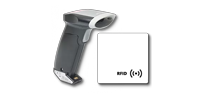
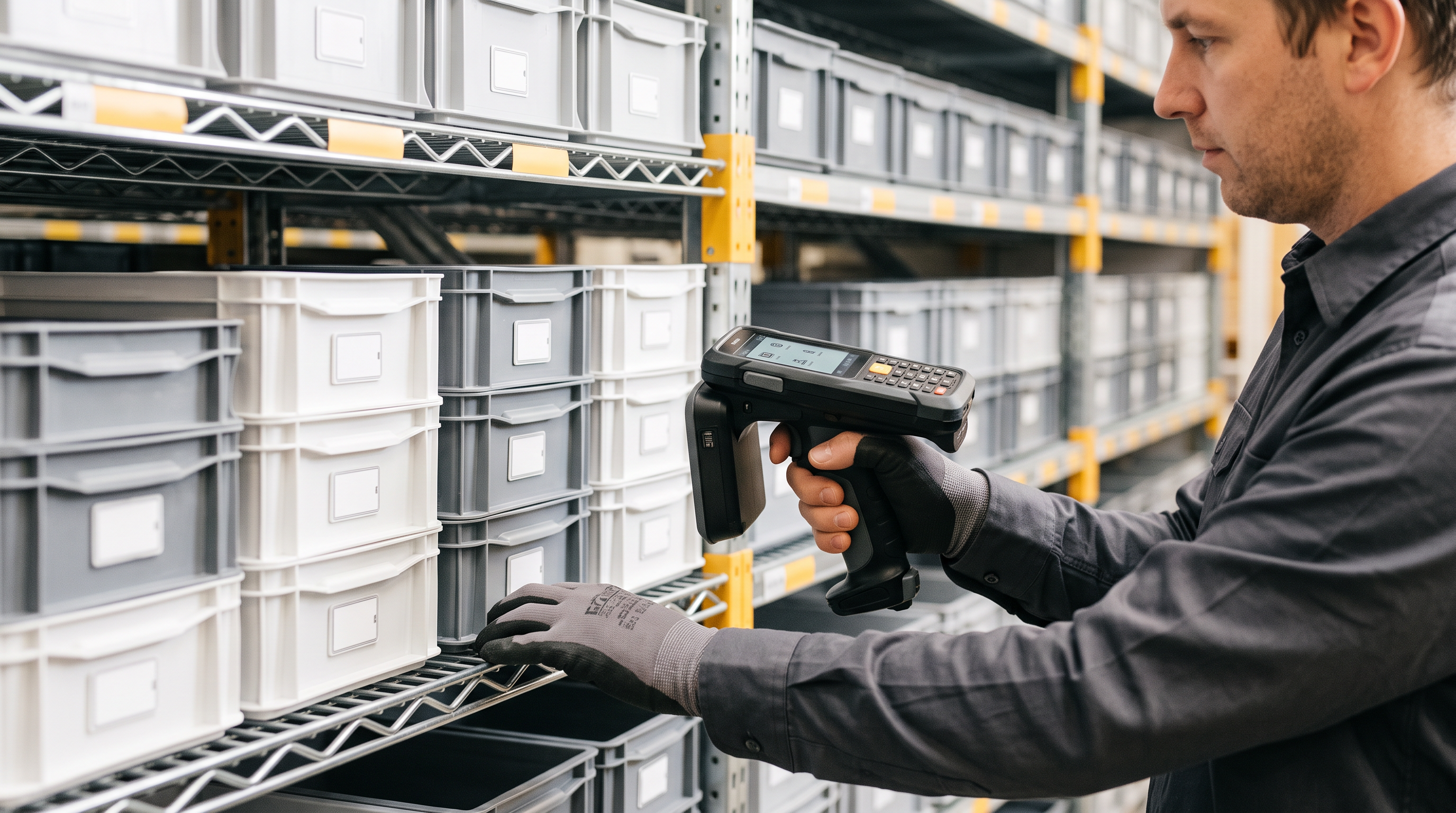
Using barcodes, QR codes or RFID tags can make this easier. Identifying the product links the movement directly to the right reference and limits manual entry.
Set thresholds and alerts
Software also lets you use the available data to anticipate needs better.
By setting minimum stock thresholds, the company can be alerted when a product reaches a critical level and prepare replenishment before a stockout.
Depending on the features available, some tools go further with automated replenishment rules or mechanisms.
Run regular stocktakes
Even with software, you still need to check periodically that the recorded stock matches the physical stock.
Stocktakes reveal stock discrepancies and help you look for their causes: an unrecorded movement, a data entry error, a product that has been moved, a loss or damage.
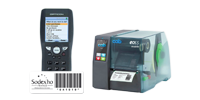
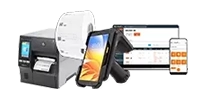
For large fleets, combining software with terminals or identification technologies speeds up checks in the field. The choice between barcode and RFID depends in particular on the number of assets and how often operations take place.
Make use of reports and data
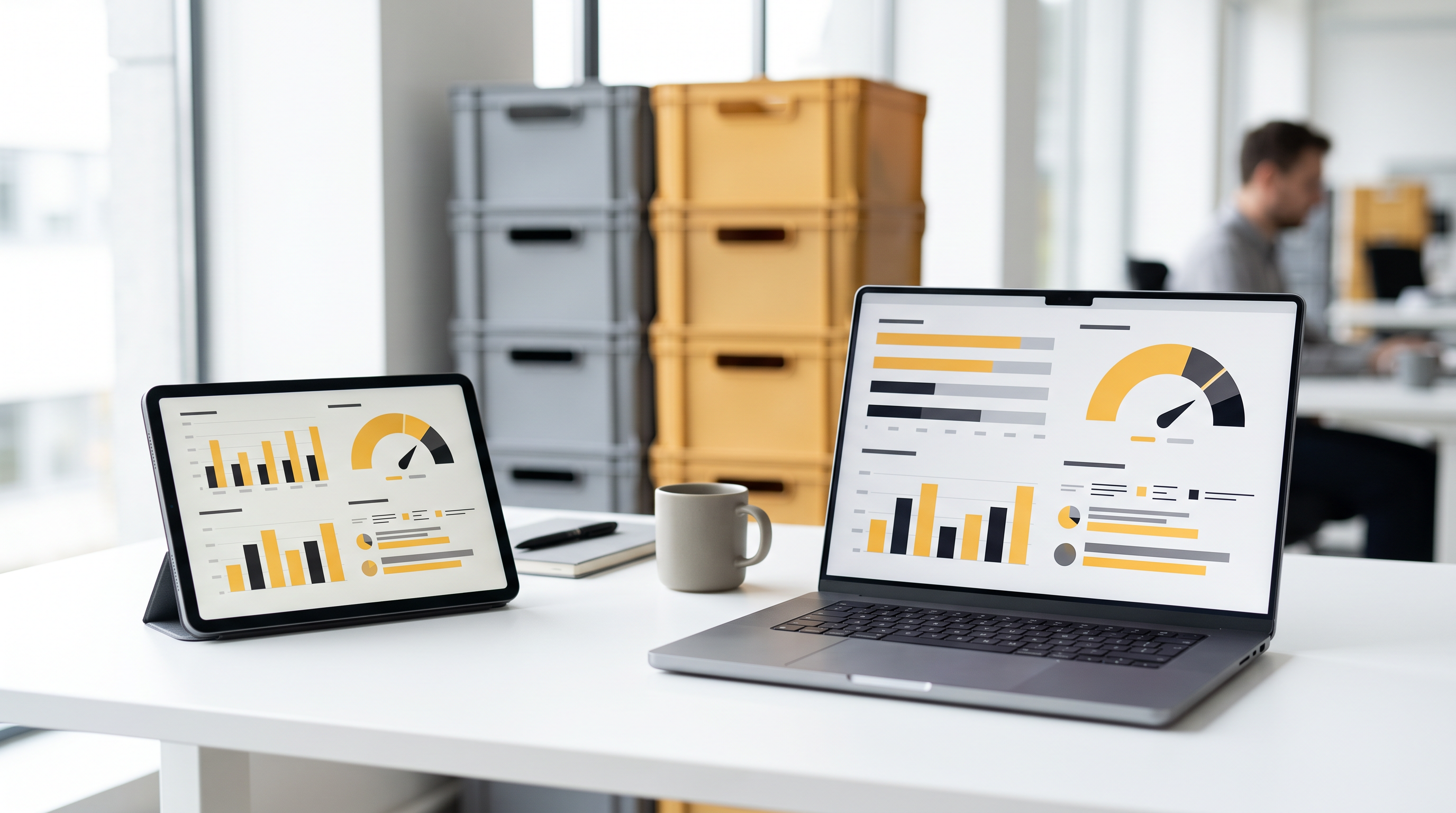
One of the benefits of inventory management software is that it does not simply record movements: it also lets you analyse the data collected.
Creating management and stocktake reports makes it possible to use the recorded information to track assets, monitor operations or prepare certain audits.
This data can then be used to adjust stock levels, spot anomalies or improve supply methods.
Automate tasks step by step
Automation does not have to cover every task from day one.
It can be more sensible to start with repetitive operations or those most exposed to errors: threshold alerts, recording movements, stocktakes, report generation or synchronisation with other tools.
The aim is to use the software to reduce manual operations while improving data reliability, rather than adding another layer of management.