QR code labels

QR code labels

Our QR Code labels link each asset to information that can be accessed instantly with a simple scan using a smartphone or handheld scanner. They enable you to track IT assets, monitor inventory, document equipment, or redirect users to manuals and online resources. The label material can be selected according to your application: paper, polypropylene, PVC, or aluminum, with the appropriate adhesive and durability for everything from indoor use to demanding industrial environments. Fully customizable and printable in-house, these QR Code labels remain compatible with 2D barcode scanners and traceability solutions.

Read more ↓
QR code label - SBE Direct

QR code label: definition

qr-code-label

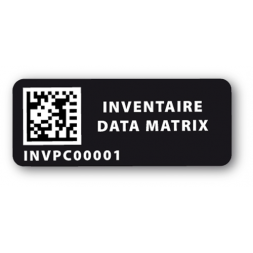
A QR Code label is an asset identification label featuring a two-dimensional barcode. Unlike traditional linear barcodes, which consist only of vertical bars, a QR Code is displayed as a matrix of black squares on a white background that can be scanned from any orientation.

This 2D format stores significantly more data in a compact space. A single QR Code can contain up to 7,089 numeric characters or 4,296 alphanumeric characters. It can encode a website URL, contact information, serial number, product documentation, or a link to an online user manual.

The encoded information is available instantly. Simply scan the QR Code using a smartphone camera or a professional handheld scanner to access the associated resource immediately.
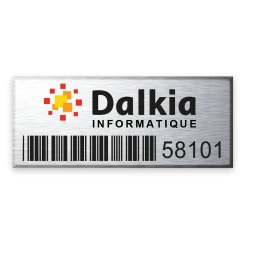
The benefits of QR code stickers

The QR Code sticker combines data storage capacity with fast readability, making it a key asset for internal management, logistics, and communication. Four key advantages:

  • Encoding capacity: up to 7,089 characters, compared to around twenty for a traditional linear barcode.
  • Omnidirectional scanning: the code can be scanned from any angle—upright, upside down, or tilted—making data capture smoother and faster.
  • Error tolerance: even when dirty or partially damaged, it remains readable thanks to Reed-Solomon error correction (up to 30% of the code can be restored).
  • Interactivity: the QR Code label connects the physical product to digital resources such as manuals, videos, and technical datasheets.

Professional uses of QR code stickers

The QR Code sticker adapts to a wide range of industries, including manufacturing, logistics warehouses, healthcare environments, and retail. It has become a practical working tool that simplifies daily operations for professionals. Its use is particularly valued by companies for:

  • Creating highly reliable inventory labels. A quick scan allows equipment identification, provides information about its assignment, and enables real-time tracking of fixed assets.
  • The QR Code also serves as identification labels for document management or machine maintenance tracking.
  • In B2C applications, it is often applied to packaging to provide consumers with additional information about product origin or usage instructions.

Why choose a QR code label instead of a standard barcode?

The main difference between a traditional barcode label and a QR Code label lies in its format and data storage capacity.

  • Traditional one-dimensional barcode labels (such as EAN-13 or Code 128 standards) are limited to a few dozen alphanumeric characters.
  • In contrast, the QR Code format can store several thousand characters in a very small space. It therefore makes it possible to embed complete, self-contained information without necessarily requiring access to an external database during the initial scan.

The QR Code is therefore ideal when marking space is limited but information requirements are high.

How do you choose your QR code label?

The choice of your marking media directly depends on the usage environment and the expected service life. It is essential to adapt both the material and the adhesive to the physical or chemical constraints the product will be exposed to. For demanding environments such as heavy industry, chemical sectors, or long-term outdoor use, it is recommended to use ultra-resistant labels. These specific products are designed to withstand abrasion, UV exposure, and solvents. If you are unsure about the most suitable labeling solution for your asset base, feel free to consult our comprehensive guide on how to choose the right inventory labels.

SBE Direct's various ranges of QR code labels

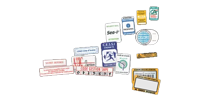
SBE Direct offers its QR Code labels in multiple materials, each designed to meet a specific need in terms of durability, customization, or security:

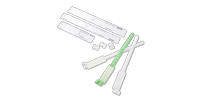
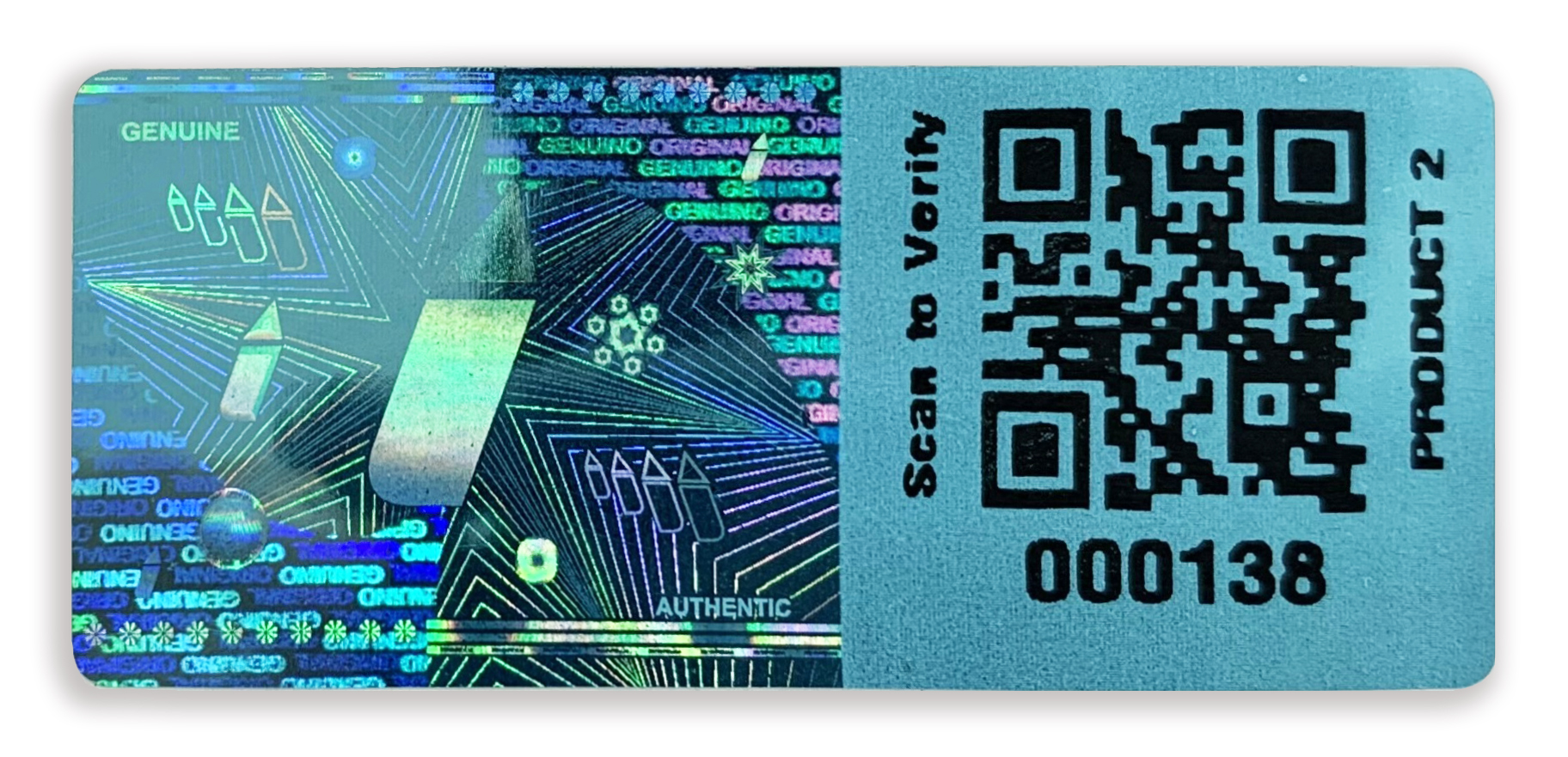
  • Destructible label: shatters into small pieces upon any attempt to remove it, making reuse impossible. Ideal for tickets, badges, or warranty labels.
  • VOID label: leaves a visible “VOID” pattern on the surface when peeled off, providing immediate visual proof of tampering or opening. Recommended for pharmaceuticals and secure envelopes.
  • Aluminium label: laser-engraved on 100% metal substrate, designed to withstand corrosion and demanding industrial environments.

This range of materials allows each QR Code label to be matched precisely with the required level of resistance and security for its intended use, without over- or under-specifying the marking solution.

Selection CriteriaOur Recommendation Based on Usage
MaterialPolyester (weather and scratch resistant), Polypropylene (flexible, suitable for curved surfaces), Aluminium (high security, tamper-proof), Destructible label (fragments upon removal), VOID label (tamper-evident residual marking)
Label sizeVery small sizes for electronic components (from 10 × 5 mm), larger sizes for rack and shelf identification (up to 100 × 50 mm and above)
Adhesive typeStandard permanent, reinforced acrylic (for rough surfaces), or removable adhesive (no residue)
Printing technologyThermal transfer (maximum ink durability), laser printing (standard office use)
Required security levelVOID or destructible labels (visible proof of removal, anti-transfer effect) for sensitive applications; ultra-resistant labels for demanding outdoor or chemical environments

How do I customize a QR code sticker?

Customization is an essential step in seamlessly integrating your labeling system into your visual identity and internal processes. Creating a unique and structured design helps ensure immediate visual recognition by your teams.

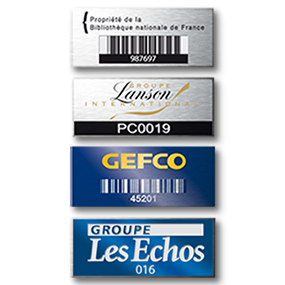
You can define the exact dimensions of your label and choose to include free text such as your company name or a “Property of…” notice. It is also possible to work with colors, although strong contrast between the background and the code is essential to guarantee reliable optical scanning.

Finally, adding your company logo in the center or alongside the code strengthens your brand image. This customization turns a simple logistical tool into a powerful communication medium for your brand identity.

QR code label customization options at SBE Direct

SBE Direct prints your QR Code labels with variable data: unique codes, sequential numbering, or dedicated links for each item. A quality control check at the end of production verifies the readability grade of each matrix according to ISO/IEC 15415 standards, ensuring reliable scanning from the very first read.

From small to large production runs, printing is adapted to your volumes, both on labels and on custom stickers.

Our printers and software for printing your QR code labels

Do you prefer to maintain full control over your printing and produce your labeling in-house? It is entirely possible to generate your labels independently, on demand, based on incoming stock deliveries.

To do so, you simply need to equip yourself with a professional-grade QR Code label printer. Whether you choose a desktop model, ideal for small production runs, or an industrial machine designed for high-volume output, we recommend thermal transfer technology for excellent long-term durability.

To easily design your 2D barcode templates, we provide a range of label printing software solutions. These user-friendly programs allow you to import Excel files or databases and automate your print jobs in just a few clicks.

FAQ

How do QR code stickers work?

QR code stickers work using a geometric matrix of optically readable pixels. When scanned by a smartphone camera or a professional reader beam, the processor decodes the arrangement of black and white squares to instantly reveal and open the stored digital data (text, website page, contact details).

How do you print a label from a QR code?

To print a label from a QR code, use specialized design software combined with a thermal transfer or laser printer.

Generate or import your code into the software interface, adjust the size to ensure sharp resolution, then start printing onto a roll or sheet of labels suited to your needs.

You can also entrust your custom printing needs to the experts at SBE Direct.

We use cookies to improve your experience.